I just got back from the Big Apple and had a great time. Got to spend the day before my meeting wandering up and down the High Line, an old elevated railway that has been converted into an incredible mile long park. It’s located not far from the river and runs through Chelsea and the Meatpacking District. The Chelsea Market was a great place to get lunch (Thai food, in my case), use the restroom and poke around.
As is usually the case, the powers that be, lacking any imagination, much less vision, wanted to tear down an eyesore, but one man saw the potential and now I think it is one of the absolute must-sees for anyone visiting New York. Judging from the number of people there on a chilly November weekday, I’m not the only one. And it seemed to be almost equal parts visitors and locals.
I had my trusty iPad with me and really enjoyed taking advantage of all the cool places to sit and sketch. And I had my iPhone for taking photos.
To set the scene:
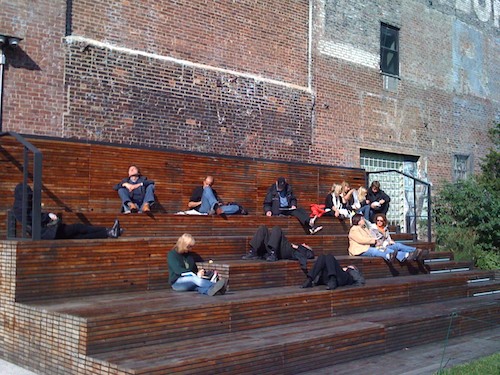
My first look at The High LIne,which is reached by stairs or elevators at various points.View of the Empire State BuildingYou can walk through a forest in the skyOne of the open plaza areas with a really cool buildingNot only are there lots and lots of benches of varying designs, but also gathering places that catch the sun all through the dayA sunny corner at the southern end
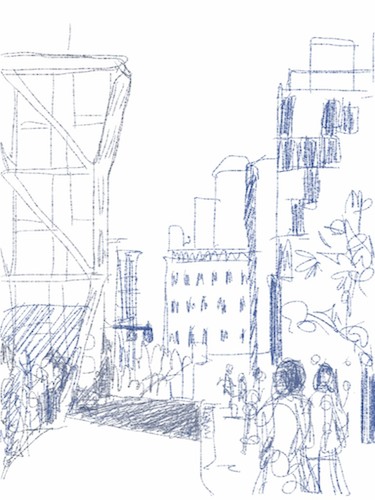
And here are some of the sketches, done quickly in just a few minutes, for which I used Autodesk’s Sketchbook Pro:
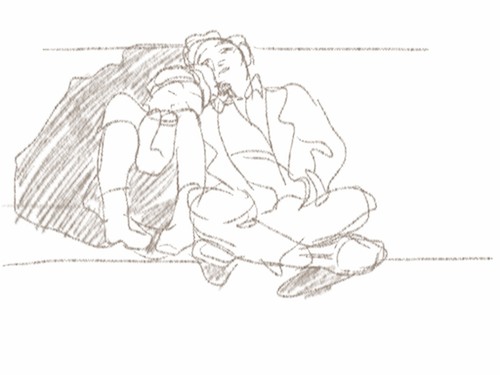
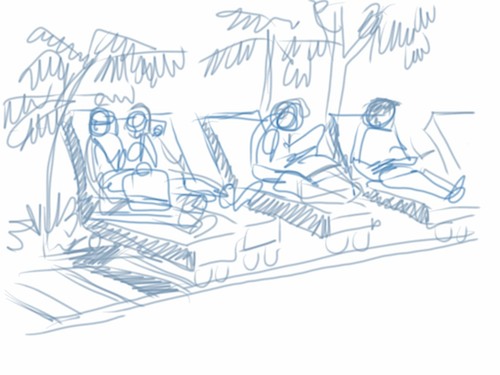
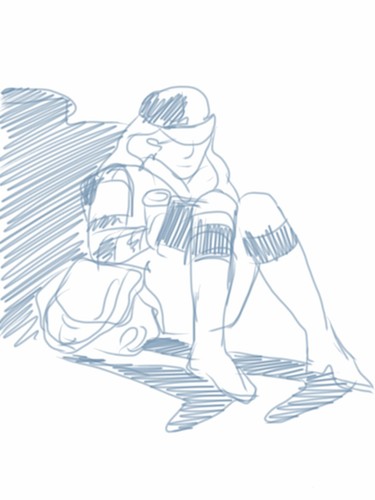
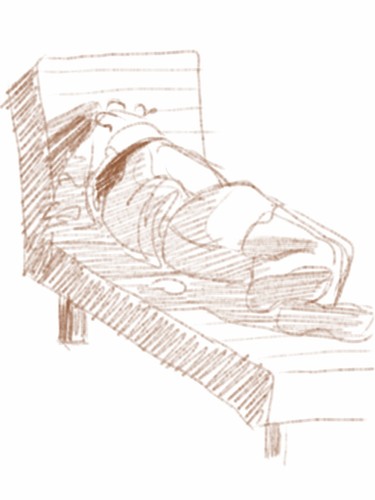
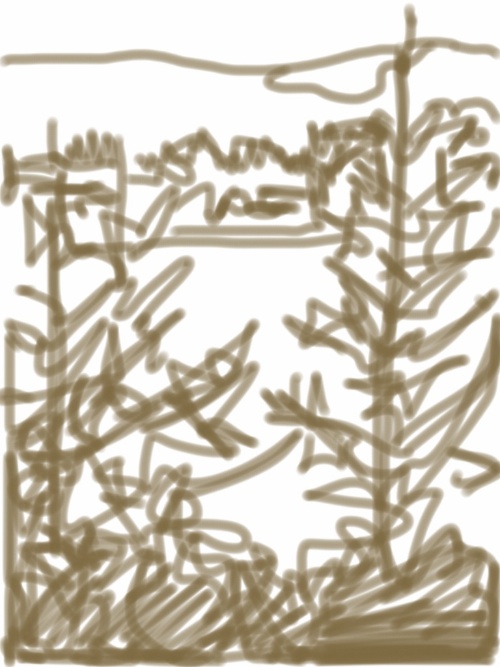
I don't "do" architecture, but couldn't resist drawing some of these great public spacesThe High Line is a riot of overlapping shapes of vegetation and buildingsOne stretch had a long line of big wooden "loungers", perfect for a nice rest in the sun. Or a snuggle.Yup, it's New York City. The plants are not palm trees, but do give that visual effectLots of reading going on all along the lineBut some just wanted a snooze
Little by little I’m getting caught up, but there are a couple of really interesting irons in the fire that I’ll be posting about in the weeks ahead that have taken a fair amount of email time.
In the meantime, there’s this trip I just took, during which I managed to find some sketching time, both in my journal and in my iPad.
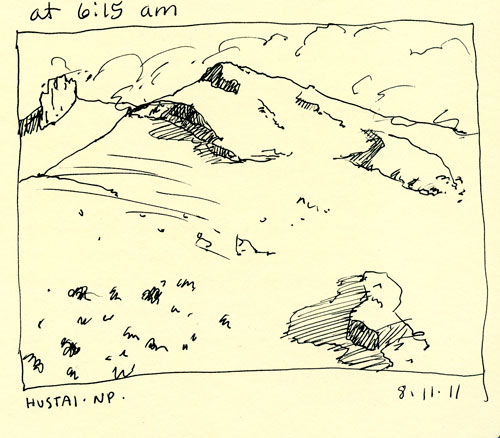
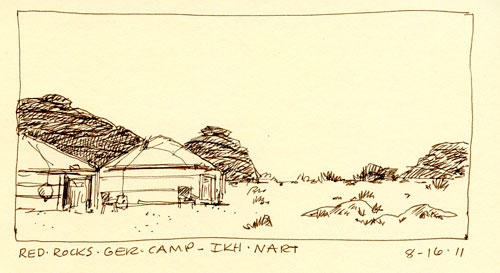
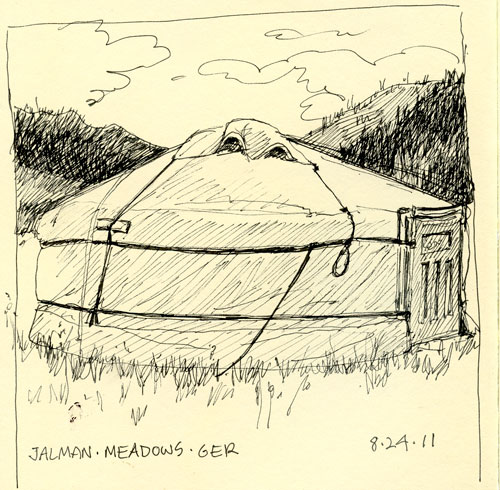
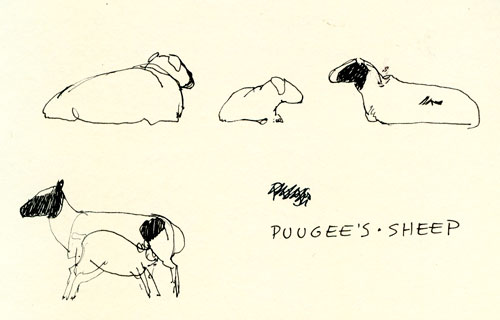
First are the ones I did in my Moleskin sketch journal. They were pretty much all done in five minutes or less for the small ones and maybe twenty for the one that crosses both pages. Some were done during lunch stops, some at camp between drives. The cows and sheep were done at the home ger of my driver, where I got to stay overnight. That wonderful experience will rate its own post:
...we're going and that's ok.
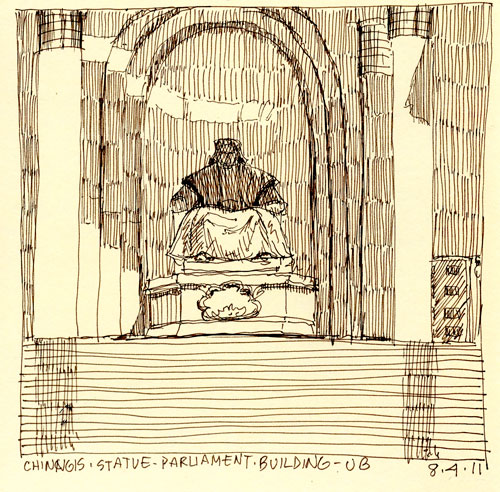
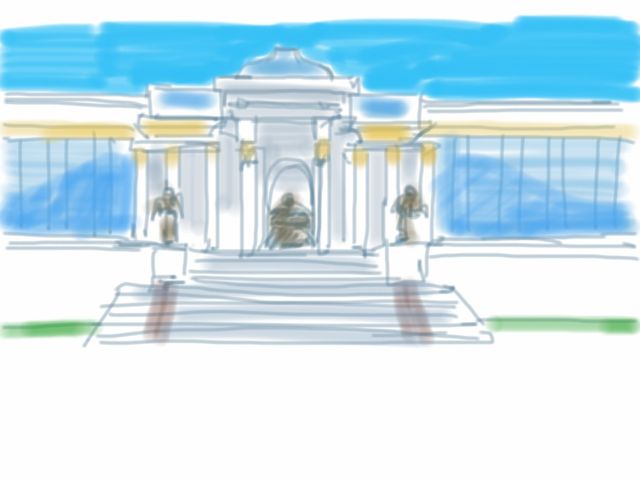
Since no one pestered me while I did the above sketch, I got out my iPad and did a couple more quick studies.
Parliament BuildingThree of a large group of women who were meeting on the square, some wearing beautiful del
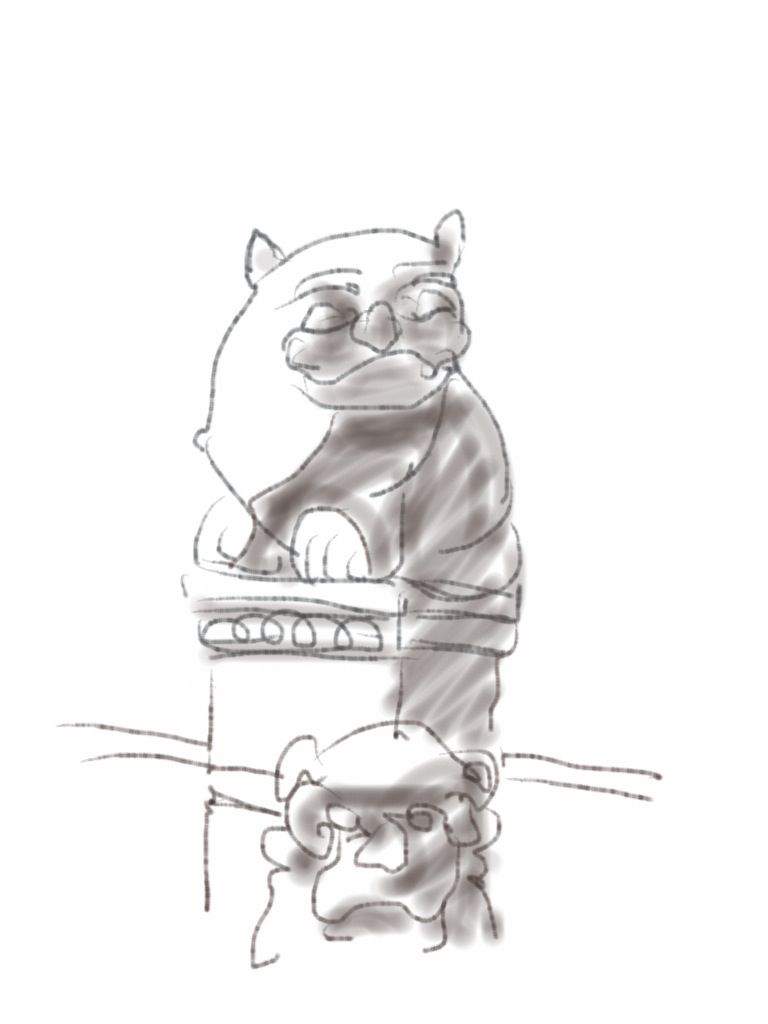
Before we left on our “wildlife tour”, Pokey and I had time to wander around UB. I took her to the Museum of the Chojin Lama. Since I had been in the temples before, I got out my iPad and did a little sketching of a few of the statues flanking the entry stairs of the main temple.
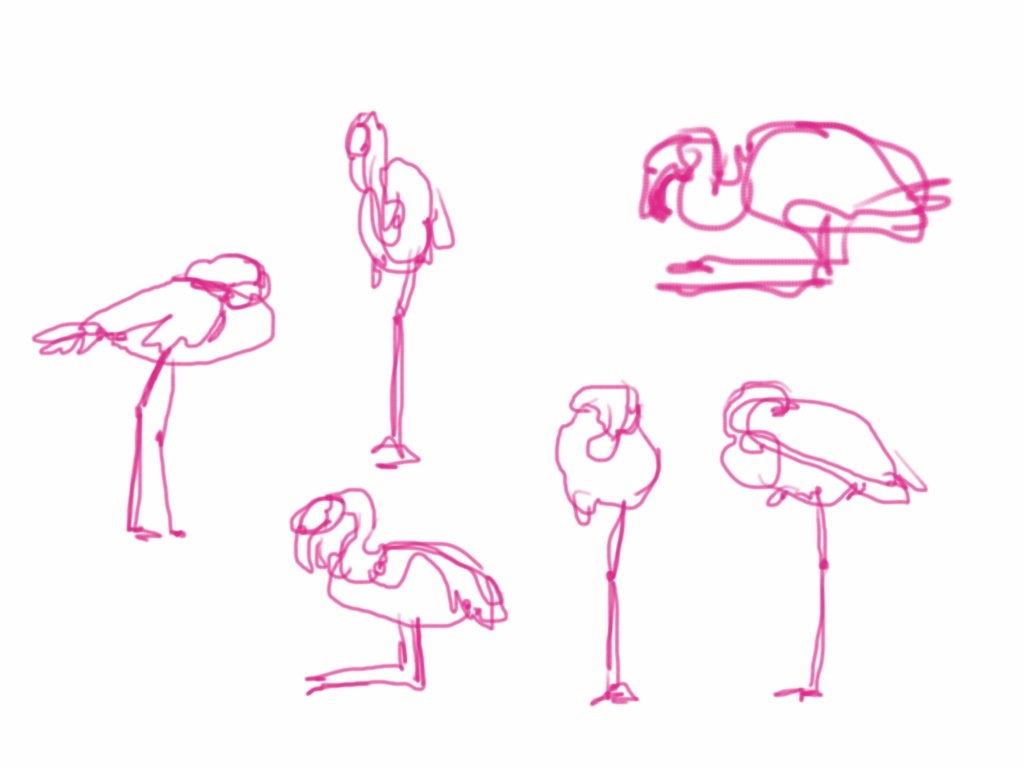
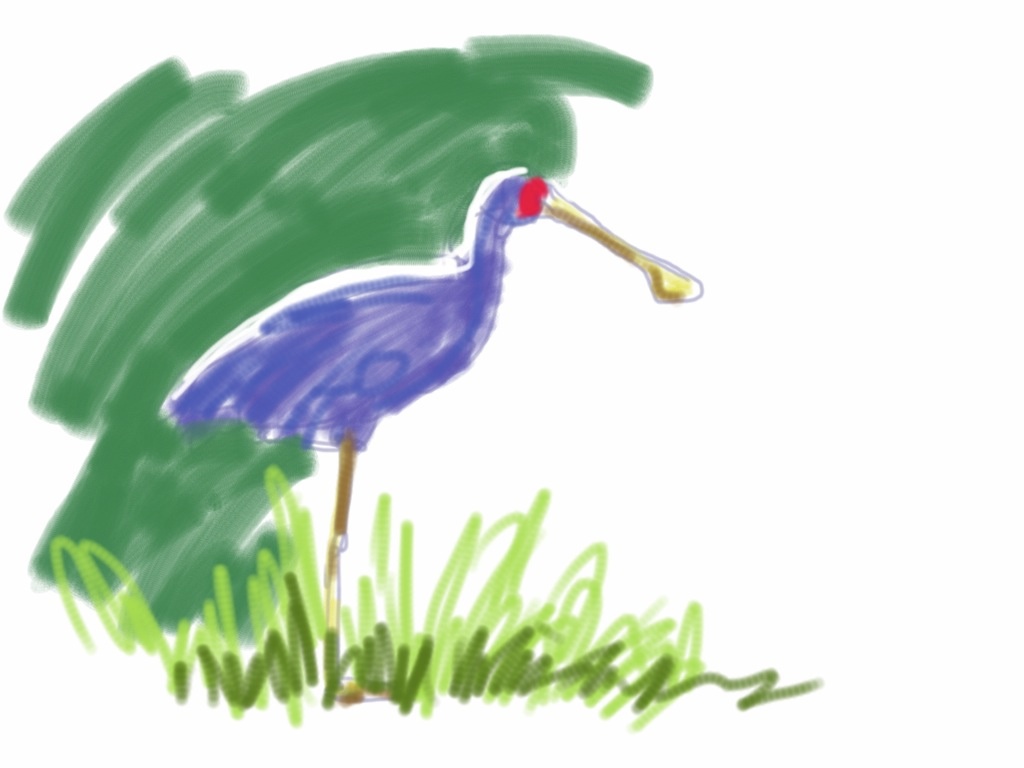
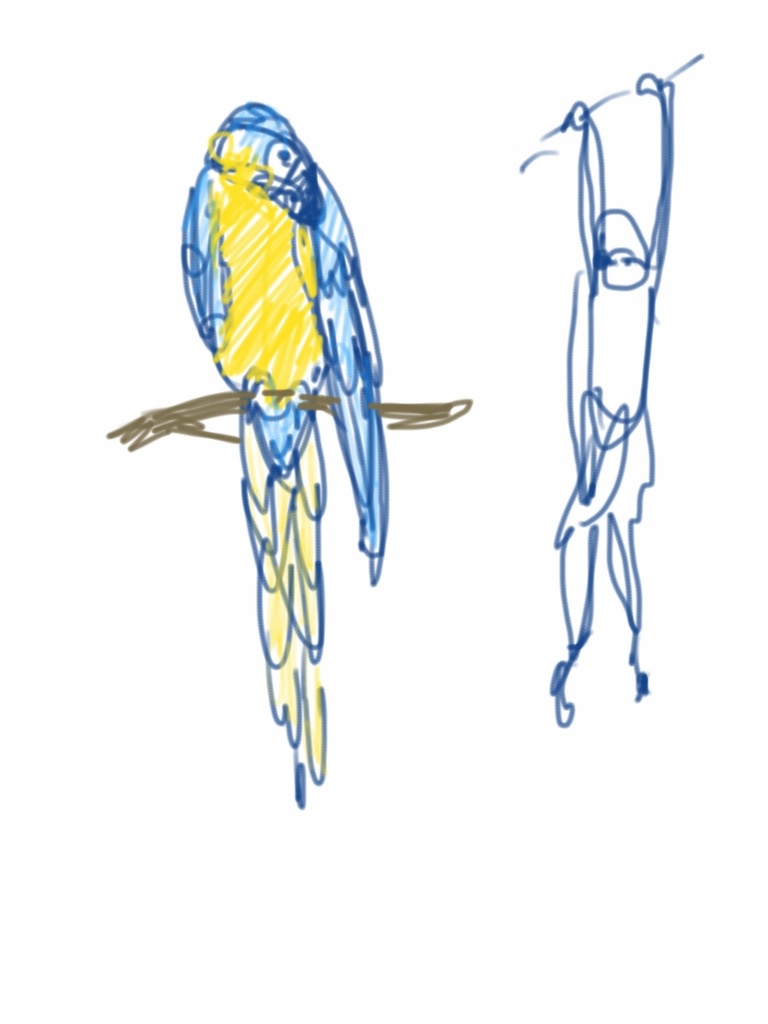
I was down in the San Francisco Bay Area this past weekend and got a chance to spend a couple of hours at the Oakland Zoo with family. This was my first chance to use the iPad for drawing live, wild animals. It was sunny and warm. In fact, I believe San Francisco hit a new record high, 80F.
The only drawback I found to using the iPad is that I still just have a basic folder cover, so it wasn’t very secure. And I found it a distraction to have to worry about it falling into the tiger enclosure or being jostled and dropping it. I’ve got some ideas about what kind of carrier would solve those problems, though.
In the meantime, here’s the results. I really liked being able to quickly change colors, line width, etc. without fumbling around in my pockets. These were all done very quickly, one to three minutes or so. The granddaughters were along, so I needed to be ready to move on. Good practice.
I started with the flamingos because they weren't moving muchThere were also a couple of spoonbillsIt was fun doing them in pinkThought I'd try to capture the bird in shadow with rim light against the dark backgroundMacaw and gibbon apeAmerican alligator; when there was time, I added a second colorI love bats! It was such a treat to sketch themJust hangin' aroundI had about 30 seconds to have a go at this pot-bellied pig
I used the Ten Design Pogo Sketch stylus for all the drawings. It worked fine, but the foam is starting to fray a little. Definitely will be experimenting with DIY options.
I’ve had my iPad for about three weeks and am already wondering how I got along without it.
It’s easy for me to read on it and I’ve downloaded my first book, Isaac Asimov’s Memoirs, if you must know.
I’ve played to the end of Graffiti Ball. I’ve got Solitaire, Cro-Mag Race and Paper Toss. David and I have found that we like playing Scrabble with it.
I’ve downloaded the iPad version of the Monglian language app that I have on the iPhone and also found a English-Mongolian dictionary.
Google Earth looks really good.
I plan to use Keynote for a virtual portfolio of my work and a presentation about the women’s crafts collective that I work with in Mongolia.
The battery life is terrific. The glossy screen is lovely. The keyboard, well, it’s functional, but will take some getting used to. I wouldn’t write the Great American Novel with it, but would certainly do short blog posts or longish emails.
But, I wondered, having bought Autodesk’s Sketchbook for the iPhone, could I use the iPad as a real, functional, I just need to get some work done, sketchbook? I bought Sketchbook Pro first thing. With some caveats, which I will cover at the end, the answer is a resounding “YES!!!” I had to force myself to stop drawing and get this post done.
The iPad should be viewed as simply another way to create images. A different media, if you will. And one that takes the same kind of futzing around, experimenting and practice that would be required to get the hang of any new way of working. Except that it’s a whole bunch of ways in one app that can be endlessly combined.
I’ve barely scratched the surface as this point, but thought that I would share some of what I’ve drawn and “painted” over the last week or so.
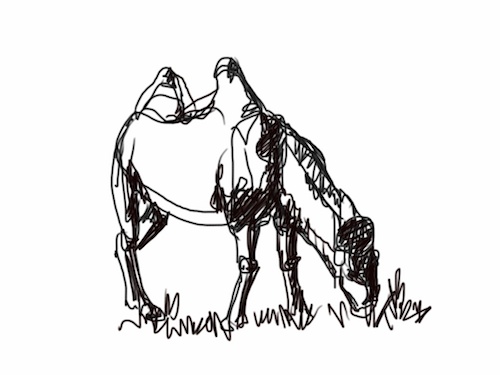
I first had to decide what tool to draw with and what color. I decided to see if I could replicate David Rankin’s fast sketching technique because, if I could, then the iPad would be all I would need for field sketching at zoos and such. Here’s some experiments, the ones I considered reasonably successful. The others have gone to the big wastebasket in teh interwebs.
Gobi Monastery gate, from July 2010 trip to Mongolia; this was the first keeperHerder's dog; started to see how to add color
These next ones are all done really fast. Maybe a minute or so.
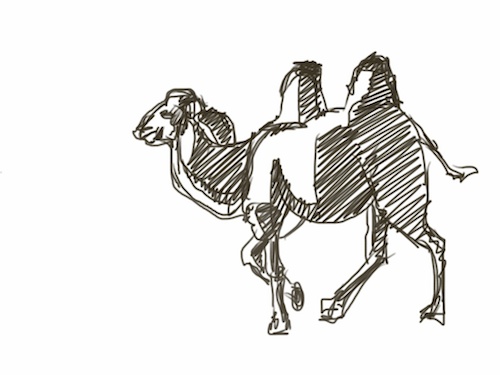
Bactrian camel; trying different tool and valueAnother experimentI like this one. Used a chisel point for thick and thin lines.My thought here was to see if I could do a prelimary quick sketch for a painting. Two guys riding a yak.
Then we went to the Humboldt Bay National Wildlife Refuge and I took the iPad with me. I realized that I didn’t know it well enough to do much, but I did do this one sketch that turned out ok. It’s from up on Table Bluff looking east across the bay.
First location sketch
When we got home I decided to try something finished in full color from a photo I’d taken that day. I beat this thing to death adding layer after layer and, you know what, it didn’t matter. I could just keep going as long as I wanted to.
Trees at the refuge
So I had a scribbling good time on that one. But how about a “real” drawing of an animal. A couple of false starts, I did the lemur and realized that this app was for real. It probably took me somewhat over an hour because of picking my way through all the choices of tool and colors. At this point, I also started to really use the “Radius” setting, which is the diameter of the tool and “Opacity” which is how solid the color is. And that function is what really makes this go for me more than anything else, I think.
Lemur, Bronx Zoo
I started an argali drawing, got it almost done, leaned forward, accidentally pushed the button at the bottom of the iPad, which closed the app, unfortunately having not saved about an hour’s worth of work. All gone. Oops. Lesson learned. But here’s the starting drawing, which is pretty much the same as what I do with a brush or pencil.
Start of argali drawing; and the end, as it turned out.
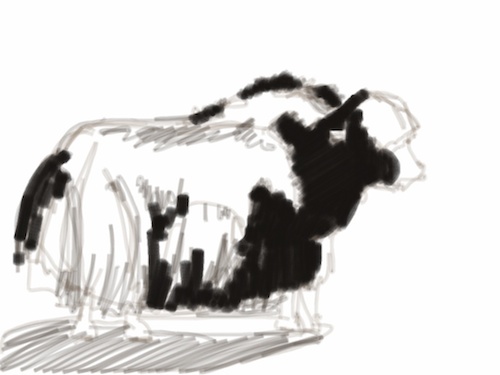
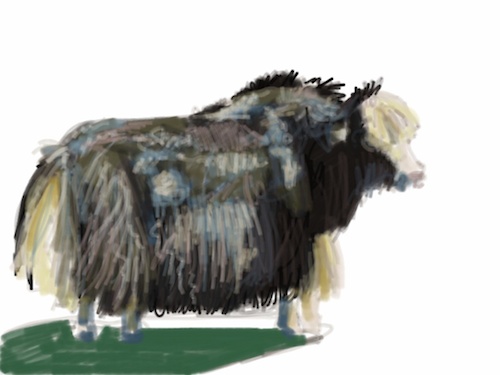
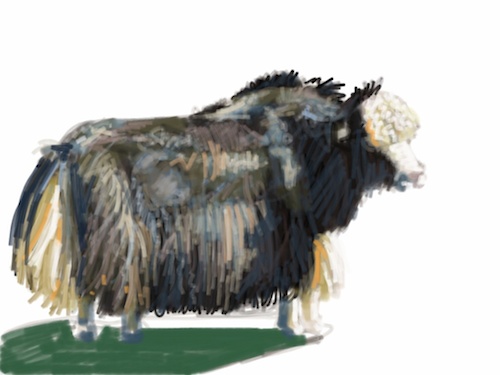
This morning I did the following drawing of a yak, wanting to have something more finished to go with the lemur. I did my saves this time, so I can show you the whole sequence from start to finish. It took about an hour and a half. I used the same procedure as usual.
DrawingShapes of shadowsLaying in the darkest darksPutting in a layer of color all overThe process of refining shape, values, drawing beginsMore layers of colorThought I was done and, anyway, it was lunchtime.But came back and realized that the highlights on the hide were too bright.
I could keep going on this guy, smoothing the transitions between areas and doing more with the ground, but I’ve gotten all I need from this one, so time to move on. It was fun though, especially adding the squiggles on the head.
Now, the caveats:
The first eight drawings, up to the lemur, were done with my finger. I was surprised at what a decent result I got, but I needed something with finer control and which was a wee bit thinner because said finger blocked my view of what I was working on. We went by the local Apple affiliate store and I bought a Ten One Design Pogo Sketch because….it was the only stylus they had. As it turned out, it works pretty well. But I would still like something with a smaller tip. There doesn’t seem to be anything out there at the moment. The stylus tips have to be a special kind of foam that will conduct electricity, which is how the touch screens work. There is some DIY info. on the web that shows you how to make your own and I’m thinking I might try that.
Moving the foam tip around on the screen doesn’t have a great tactile quality. It’s kind of smooshy and draggy. And I wonder how long the foam will hold up with the kind of use I intend to give it. I still need to put a removable clear film on the screen, so maybe I can find something that is slicker. Someone needs to make a special clear film for artists that has the right amount of friction.
Overall the functionality of Sketchbook Pro is really good and pretty intuitive. I’ve read the documentation and don’t recall seeing any of these addressed: I would like to have a side bar, like in Photoshop, that let’s me keep the tools and color selector in view. Having to toggle back and forth can get a little old. But it does give one the maximum real estate for drawing. I’d like an auto-save option (imagine that) that can be set to a choice of intervals. I want an eraser. Right now, I have to change colors and select white to erase.
I’d like to be able to directly import all or a selection of drawings into Aperture without having to export them to Photos on the iPad first. But the whole process was easy and worked well, except for the part where every image was re-named “Susan on the camel.jpg” (a previous project) when I exported them to my blog folder instead of the names I took the time to give each drawing in Sketchbook. Aperture also insisted on creating a new Project for the images instead of letting me import them into the album I had created for them. The two apps need to learn to communicate better.
I’d like the images to be in a format other than jpg so that I can process them in Photoshop if I want to without losing image quality.
I would like to be able to access the user manual in one click.
In conclusion:
The combination of the iPad and Sketchbook Pro is very close to being a serious product for serious working fine artists. I absolutely recommend it.






















 Susan Fox, American Artist